Linux Course: Module 1 Recap and What’s Next
What you’ll learn
- What you built in Module 1, Getting a Linux machine
- What's coming in Module 2, Shell fundamentals
- How to join the next batch and follow the course
Module 1 recap
Four lessons ago, Cornelis Threads had no server, and no website. Now it has both. Here's everything we covered in Module 1.
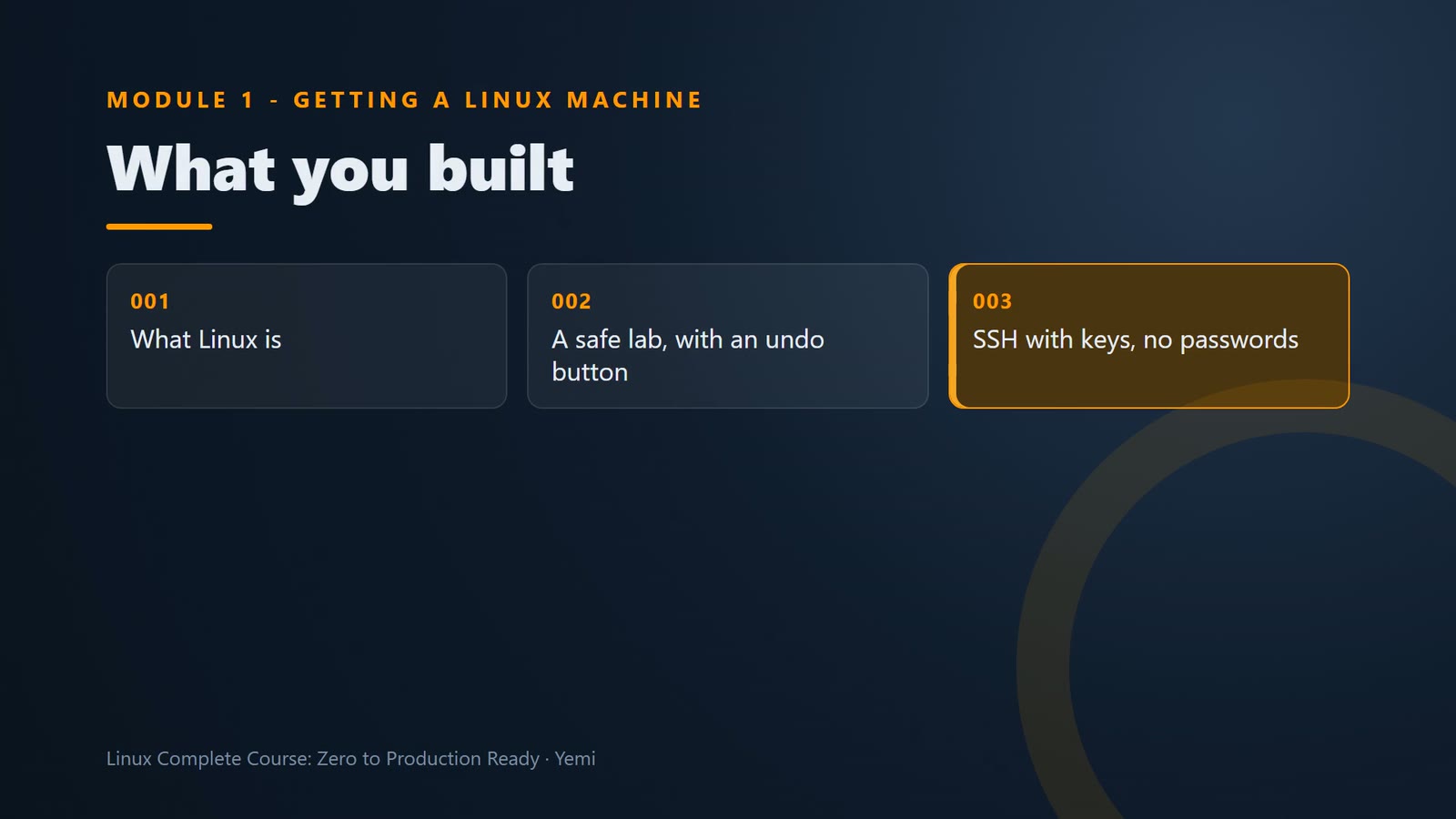
You know what Linux is, and why servers run it. You launched your own Ubuntu server, with SSH open only to you, and you know how to undo a broken server with a snapshot.
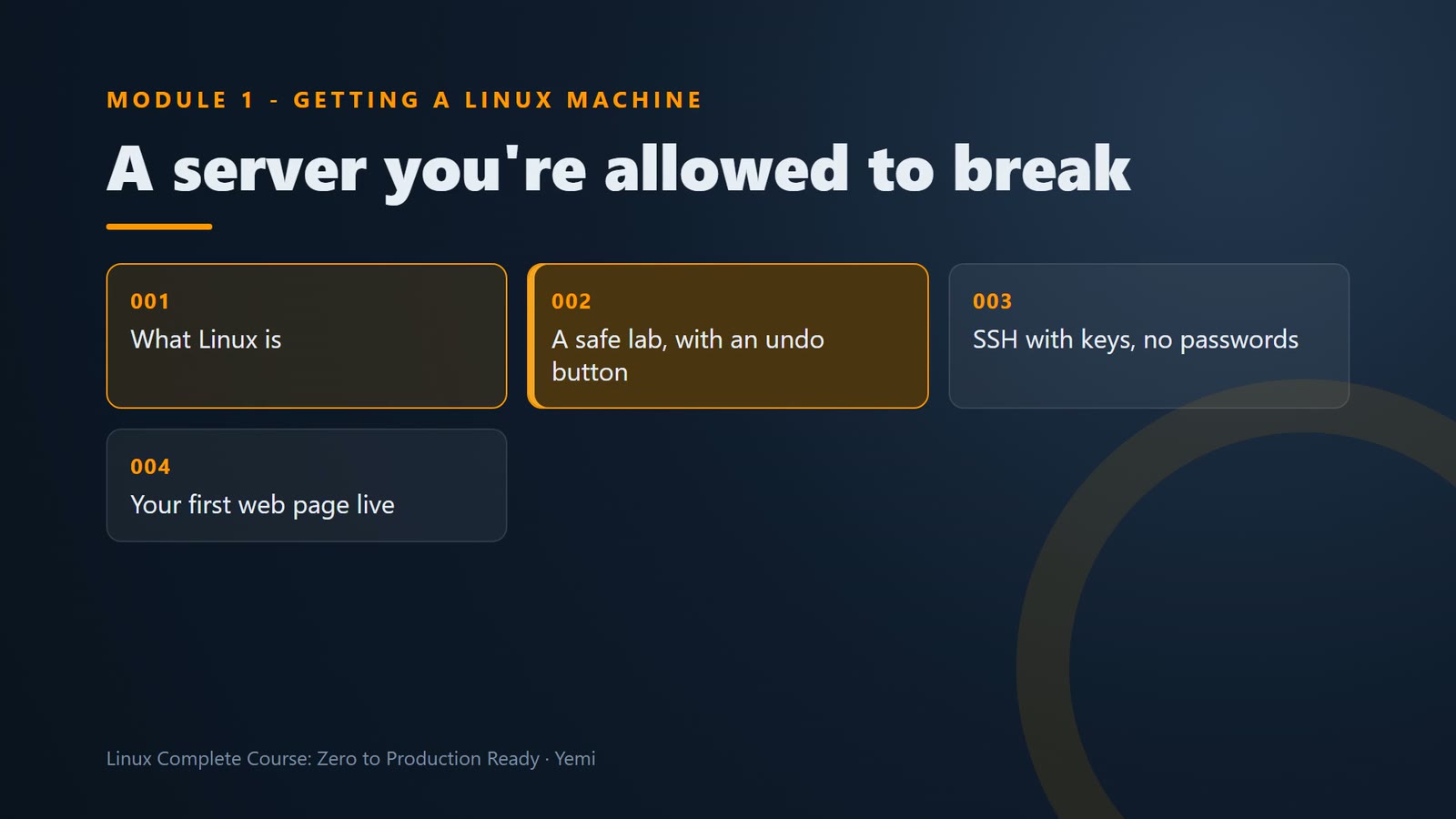
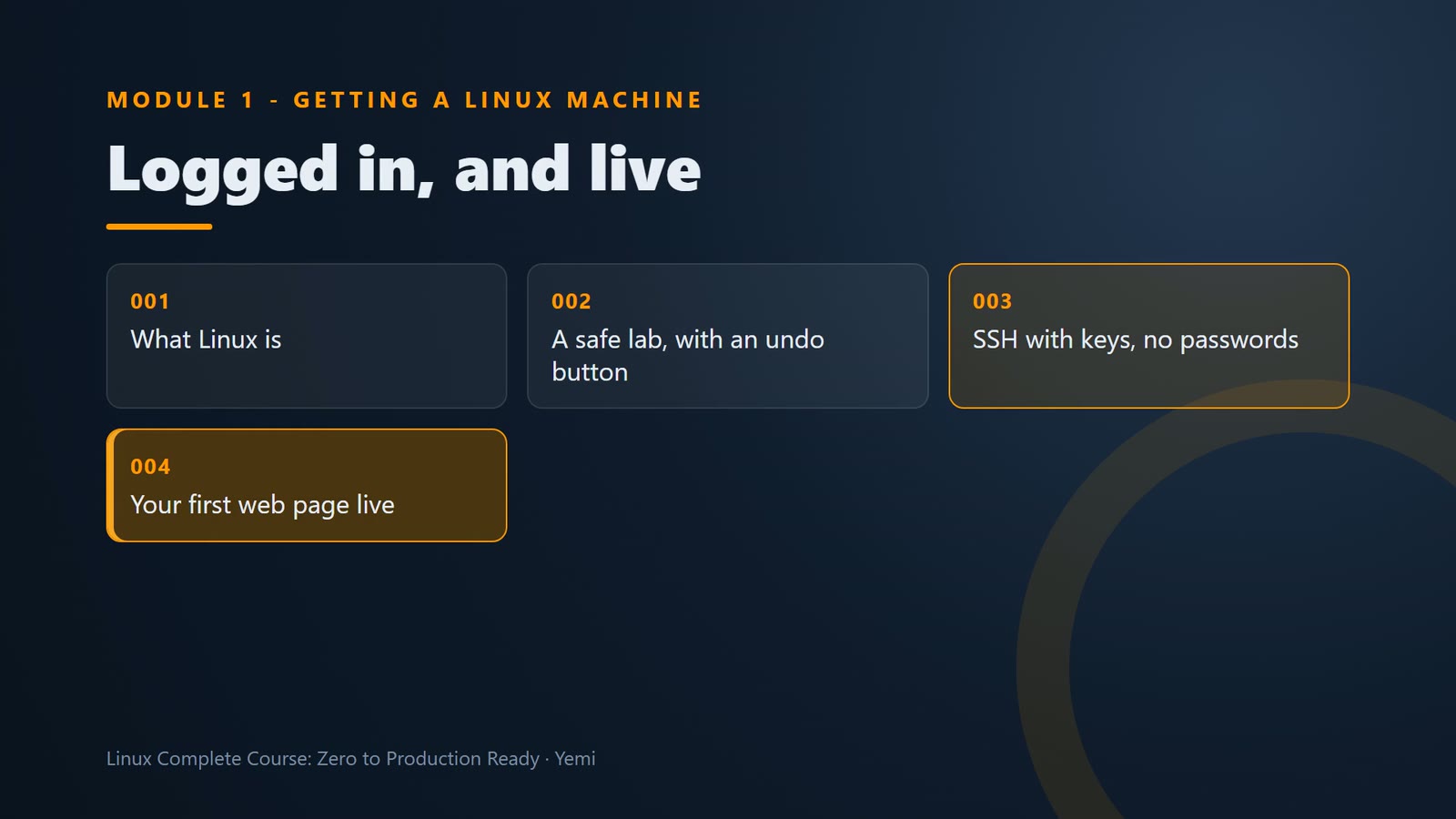
You connect with one short command, and a key nobody can guess. And the shop's first page is live on the internet, served by Nginx, from your own server.
Coming in Module 2
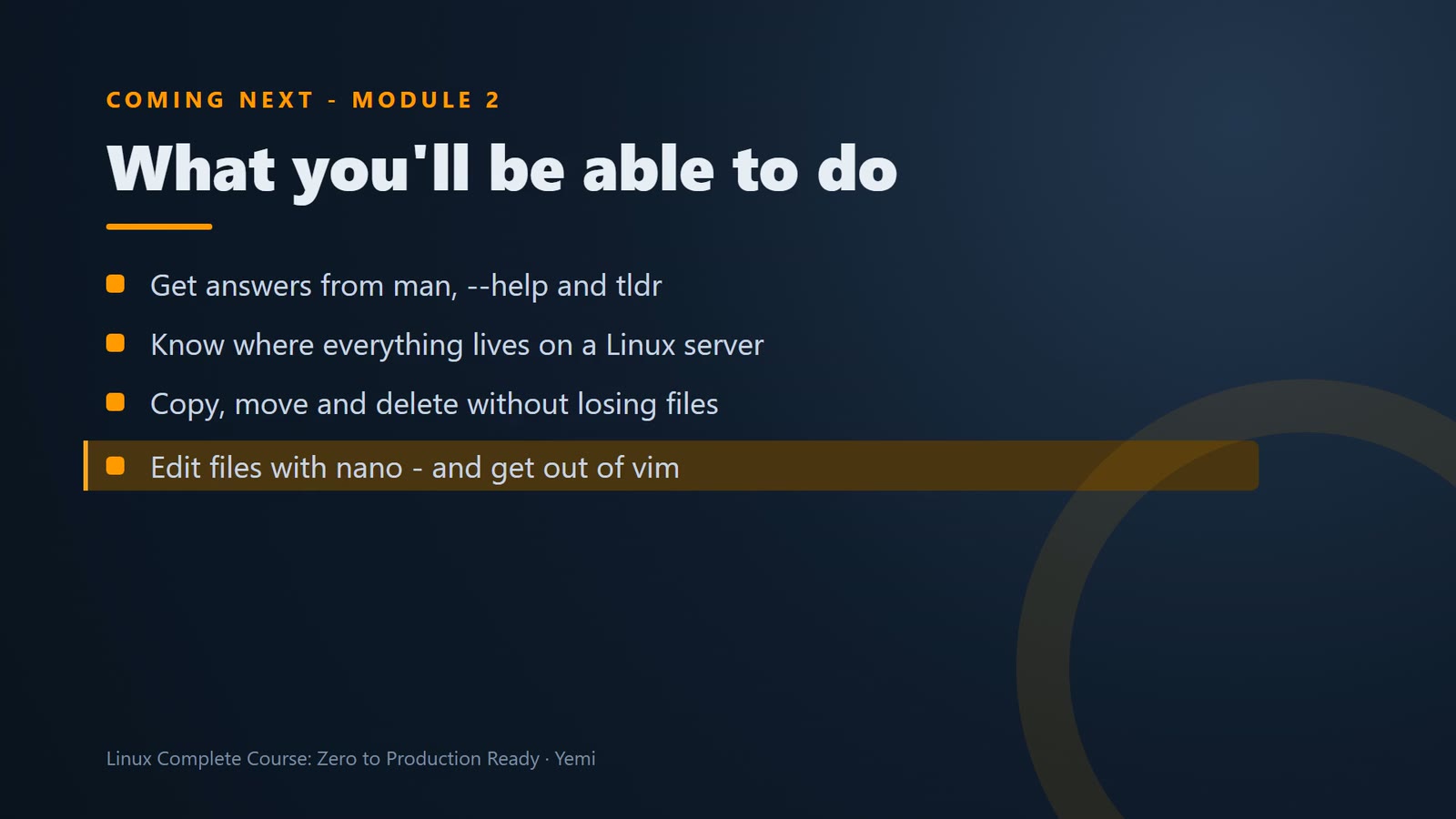
But you typed some commands you don't fully understand yet. In Module 2, Shell fundamentals, that changes. The shop wants changes to the website, and help with its files.
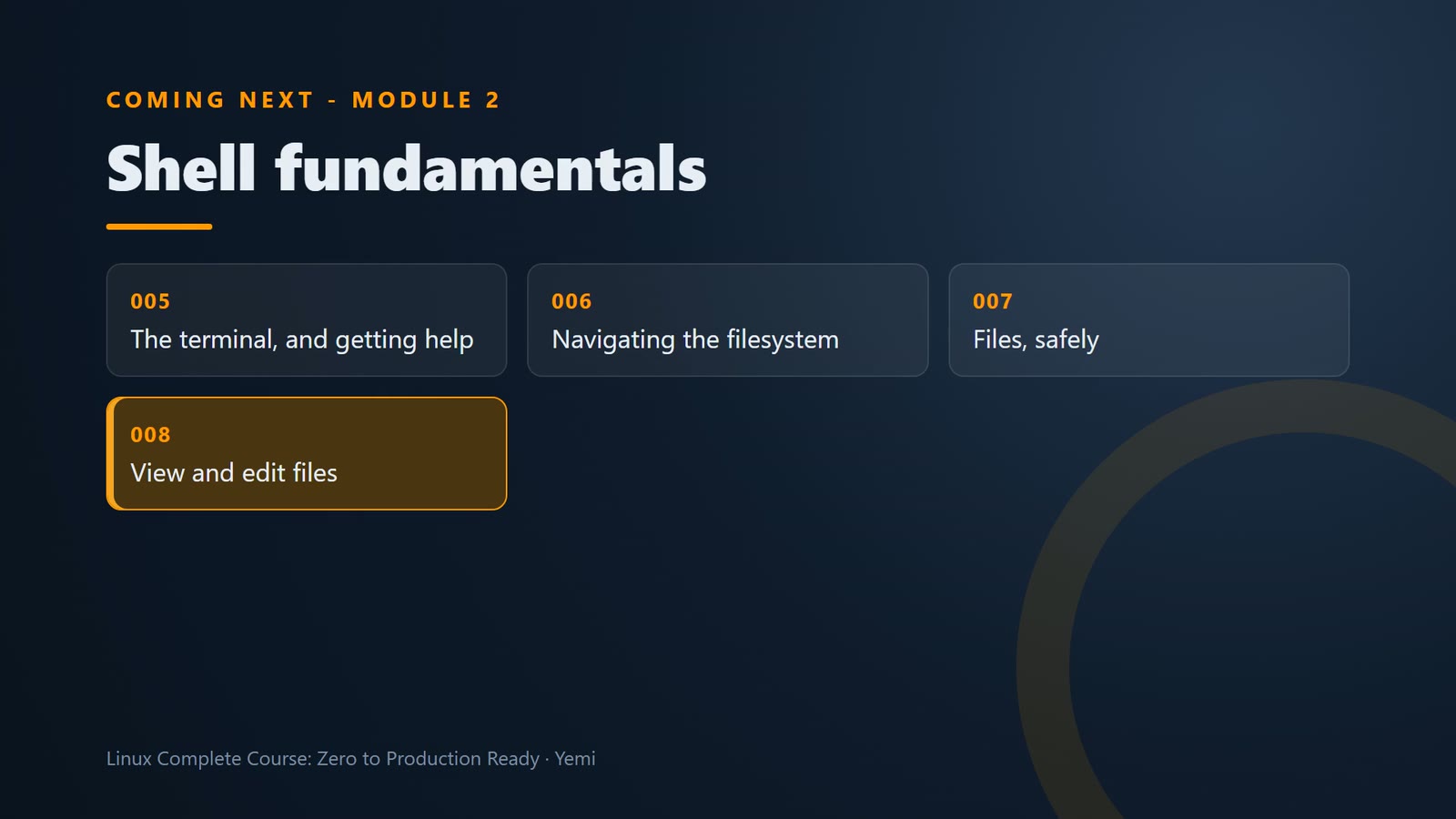
You'll get help from Linux itself, find your way around the filesystem, sort files without losing any, edit the live homepage, turn a web log into answers with one line, and find anything on the server.
Keep learning with us
If you want to go further, or support what we do, register for our upcoming batch at training.thecornelis.com.
And subscribe, and follow us on all our social media, so you never miss a new lesson. You'll find every link in the description.
Summary
- Module 1 – Linux, a safe lab, SSH with keys, and a website live
- Module 2 – at home in the shell
- Register for the next batch at training.thecornelis.com
- Subscribe and follow so you don't miss a lesson
What’s next
Thanks for learning with us. See you in Module 2, where you get at home in the shell.