Your First AWS Account: 5 Minutes of Setup That Prevents Most Disasters
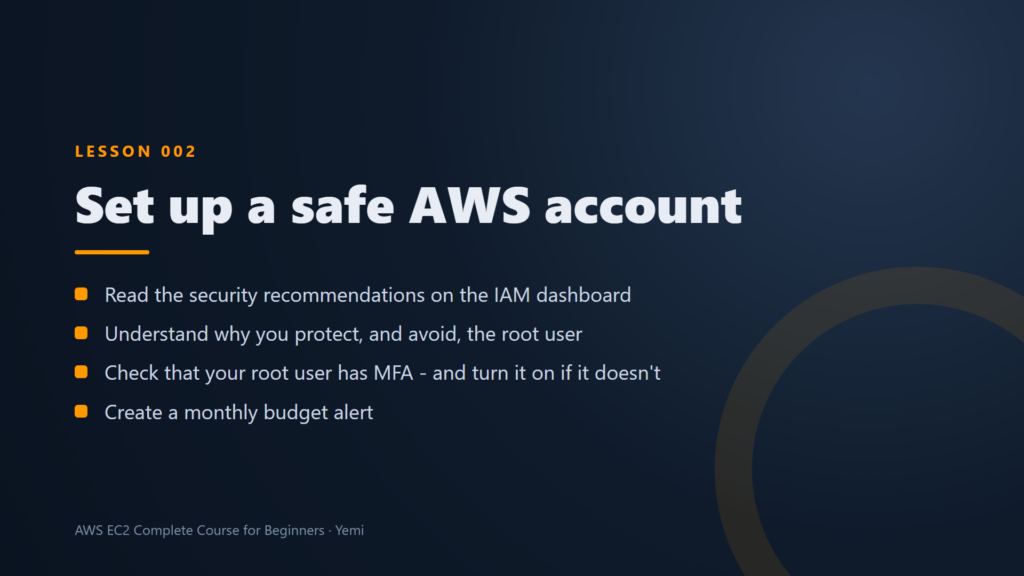
Opening an AWS account takes about ten minutes. Making sure it can never hurt you takes about five more. Most horror stories you hear (a stolen password, a surprise bill in the thousands) come from skipping those five minutes. Here is exactly what to do, in order.
1. Understand who owns the account
The email address and password you sign up with become the root user. The root user can do everything: close the account, change the payment card, delete every resource. That is why you use it as little as possible, only for the handful of tasks that truly need it, and never for day-to-day work.
When you sign up, AWS asks for your contact details and a payment card, then verifies your phone. New accounts start on the free plan with AWS credits, so you can practise without paying while you learn.
2. Turn on MFA for the root user
Multi-factor authentication means signing in needs two things: your password and a six-digit code from an app on your phone. Even if someone steals your password, they cannot get in without your phone.
- Sign in as the root user and open Security credentials from the account menu.
- Under Multi-factor authentication, choose Assign MFA device and pick an authenticator app.
- Scan the QR code with the app and type in two codes in a row.
Treat that QR code like a password. Anyone who scans it gets the same codes you do. Never screenshot it, share it or paste it anywhere.
From now on, signing in takes your password plus a code from your phone. In the IAM dashboard, the root user’s MFA check should show a green tick. If it does not, fix that before anything else.
3. Create a budget alert
A budget alert is your smoke detector for costs. It emails you when your spending is on track to go over an amount you choose, long before the month ends.
- Open Billing and Cost Management and choose Budgets, then Create budget.
- Use the simple template for a monthly cost budget and set a small amount you are comfortable with.
- Add your email address for the alerts and create it.
That is all it takes. If you forget to delete a test server, the alert tells you within days instead of on your next card statement.
4. Make cleaning up a habit
The cheapest resource is the one you deleted. Every time you build something to learn, finish by deleting it, then check that it is really gone. In our courses, every lesson ends this way: create it, prove it works, delete it.
Your five-minute checklist
- The root user is for rare account tasks only
- The root user has MFA, with a green tick in IAM
- The MFA QR code was never shared or saved
- A monthly budget alert emails you
- Everything you build to practise gets deleted afterwards
Watch it done, step by step
The first two lessons of our free AWS EC2 Complete Course for Beginners walk through all of this in the real AWS console, from the sign-up page to your first budget alert, with a written guide for every step.