Why Every Cloud Engineer Needs Linux (and Where to Start)
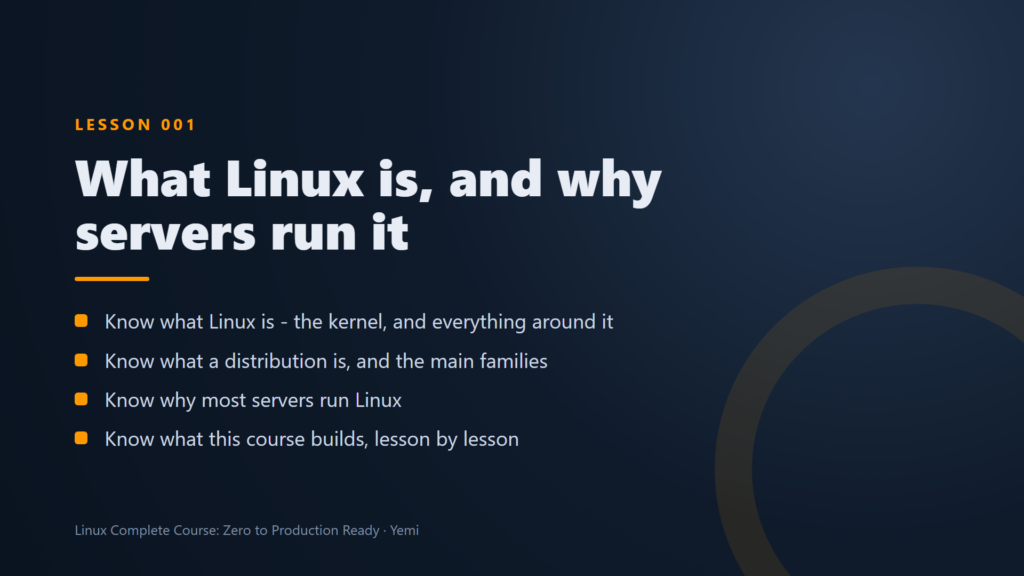
Here is something nobody tells you when you start learning the cloud: most of the servers you will build, fix and secure run Linux. The web servers behind a load balancer, the containers in a cluster, the build agents in a pipeline, even the browser terminal you get from Session Manager. When something breaks at 2 a.m., the person who can read a log file and restart a service is the one everyone calls.
Why Linux runs the cloud
- It is free and open. No licence per server, which matters when you run hundreds of them.
- It is built for the command line. Everything can be scripted, so the same steps work on one server or a thousand.
- It is light. A small server with little memory still runs a busy website.
- It is everywhere. Ubuntu, Amazon Linux, Red Hat and Debian all share the same core skills, so what you learn on one carries over.
The skills that matter most
You do not need to memorise hundreds of commands. Cloud and security roles lean on a short list:
- Getting around: the filesystem, files, pipes, and finding things with
findandgrep. - Users and permissions: who can read, write and run what, and
sudodone right. - Services and logs: starting and fixing services with
systemctl, and reading logs withjournalctl. - Networking: IP addresses, DNS, ports and firewalls.
- Scripting: small Bash scripts that do the boring work for you.
- Hardening and monitoring: locking down SSH, patching, and knowing when something goes wrong.
The fastest way to learn it: one real server
Reading about Linux only gets you so far. What works is having one real server and a reason to keep it healthy. That is how our free Linux Complete Course: Zero to Production Ready is built: one server, one story. You start with “what is Linux”, connect with SSH keys and put your first web page live, then grow that same server into a hardened, monitored production web server on AWS.
Along the way, short incident episodes drop you into real problems (a full disk, a crashing service, a firewall that takes the site offline, a 2 a.m. alarm) so you practise fixing things, not just building them. Every lesson comes with a written guide and copy-ready commands.
Start today
You need nothing but a browser and a free account. Modules 1 to 3 are open as free previews: start the Linux course here.