Stop Opening Port 22: Three Safer Ways to Connect to an EC2 Server
If you have ever launched an EC2 server, you have probably seen the warning about a security group open to 0.0.0.0/0 on port 22. That rule lets anyone on the internet try to log in to your server, and bots try within minutes. The good news: you rarely need it. Here are three safer ways in, from safest to “only when you must”.
1. Session Manager: no open ports at all
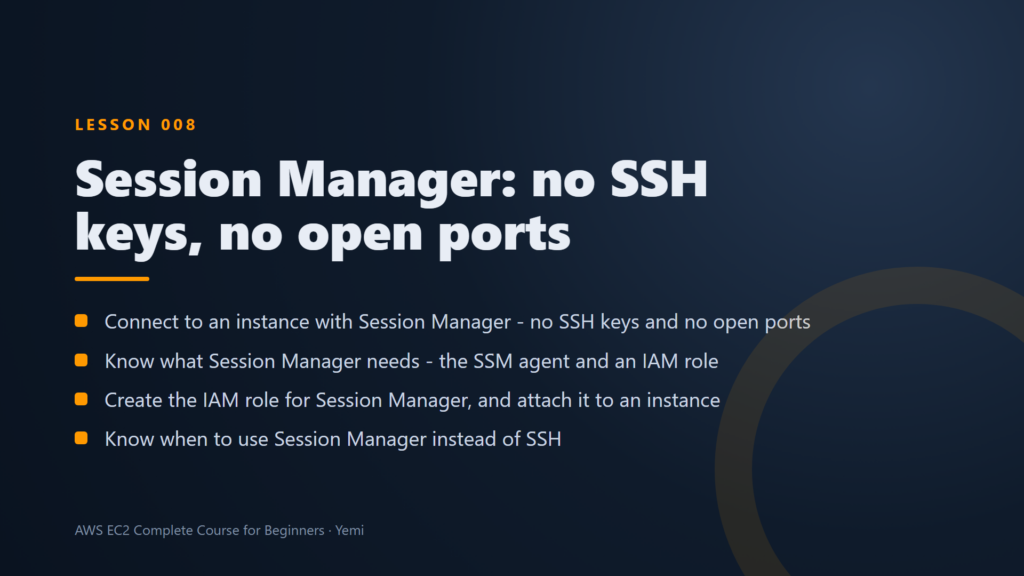
AWS Systems Manager Session Manager gives you a terminal on your server right in the browser, with no inbound rules, no port 22 and no key pairs. The server reaches out to AWS, so nothing has to reach in.
It needs two things:
- The SSM agent, which is already built into Amazon Linux.
- An IAM role on the server with the AmazonSSMManagedInstanceCore policy. Attach it at launch (Advanced details) or later (Actions, Security, Modify IAM role).
Then choose Connect, pick the Session Manager tab and you are in. A bonus for teams: every session is tied to an IAM identity and can be logged for audits, so you always know who did what.
2. EC2 Instance Connect: SSH, but only for 60 seconds
EC2 Instance Connect also opens a terminal in your browser. Behind the scenes it pushes a temporary SSH key to the server that lasts just 60 seconds, so there is no key file to lose or leak.
It still uses port 22, so the trick is who you allow. Instead of the whole internet, allow port 22 only from the EC2 Instance Connect prefix list for your Region. AWS can reach your server; random bots cannot.
3. Classic SSH with a key pair: only from your IP
Sometimes you need a normal SSH client, for copying files or using your own tools. That is fine if you follow two rules.
- Allow SSH from “My IP” only, never from
0.0.0.0/0. - Guard the private key. AWS lets you download it once. Store it safely and never share it or commit it to a repository.
The console’s Connect page gives you the exact command to copy. It looks like this:
ssh -i "my-key.pem" ec2-user@<public DNS of your instance>The first time you connect, SSH shows the server’s fingerprint and asks if you trust it. Answer yes. When you are done with a server, delete it and its key pair.
Which one should you use?
- Day to day: Session Manager. Nothing open, everything logged.
- Quick browser access without a role: EC2 Instance Connect, with port 22 limited to the AWS prefix list.
- When you need your own SSH client: a key pair, with SSH allowed from your IP only.
See all three on a real server
Module 2 of our free AWS EC2 Complete Course for Beginners sets up each method on camera, tests it and cleans up afterwards, with every command ready to copy.