What Is Linux? Distros, and Why Servers Run It (Beginner’s Guide)
What you’ll learn
- Know what Linux is – the kernel, and everything around it
- Know what a distribution is, and the main families
- Know why most servers run Linux
- Know what this course builds, lesson by lesson
What you'll build
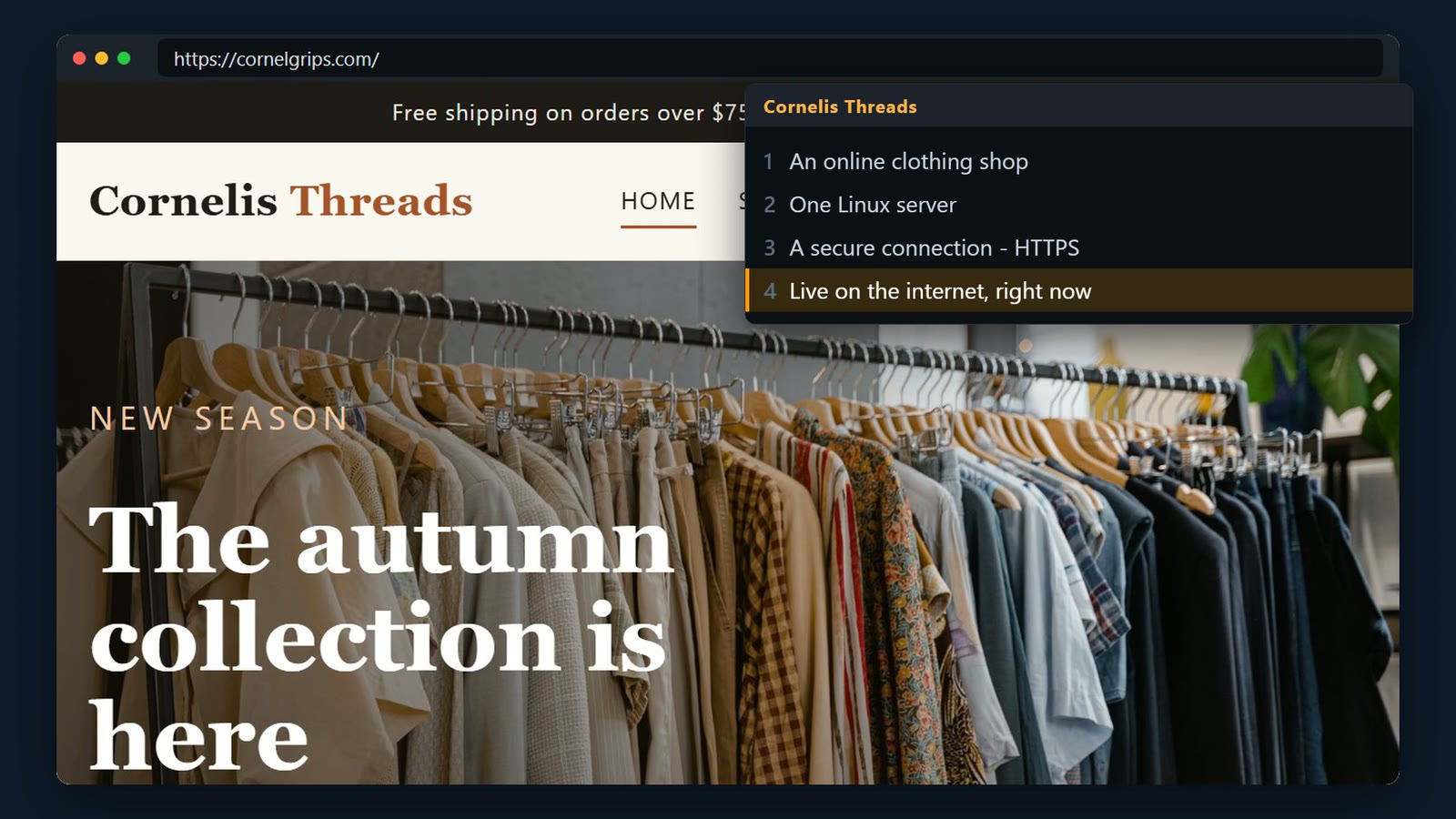
This is the Cornelis Threads online shop, served securely over HTTPS by one Linux server.
Scanners probe every server on the internet. This one counts the probes in its web log, and fail2ban blocks anyone who keeps trying.
grep -c ' 404 ' /var/log/nginx/access.log.1
systemctl is-active fail2ban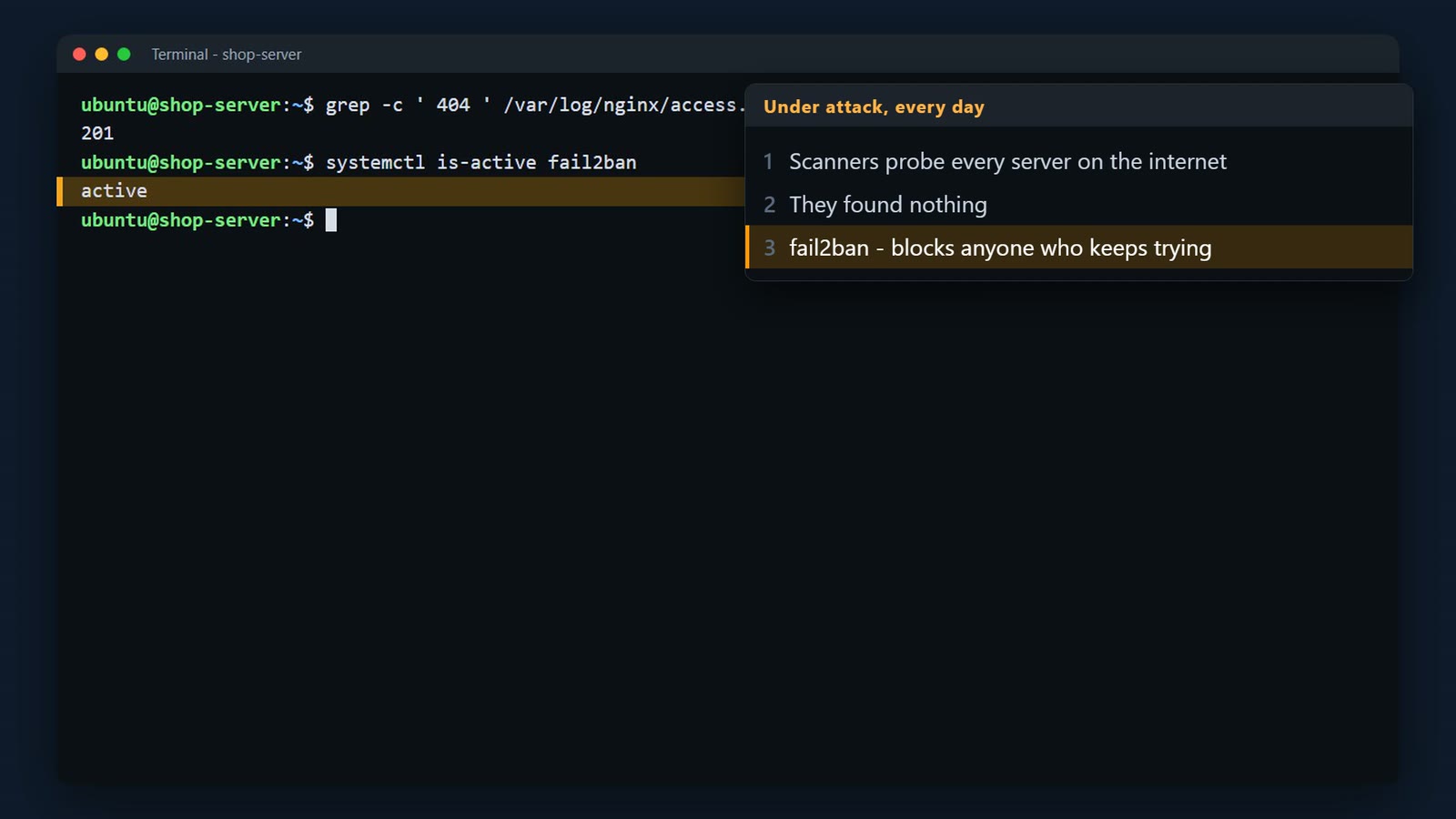
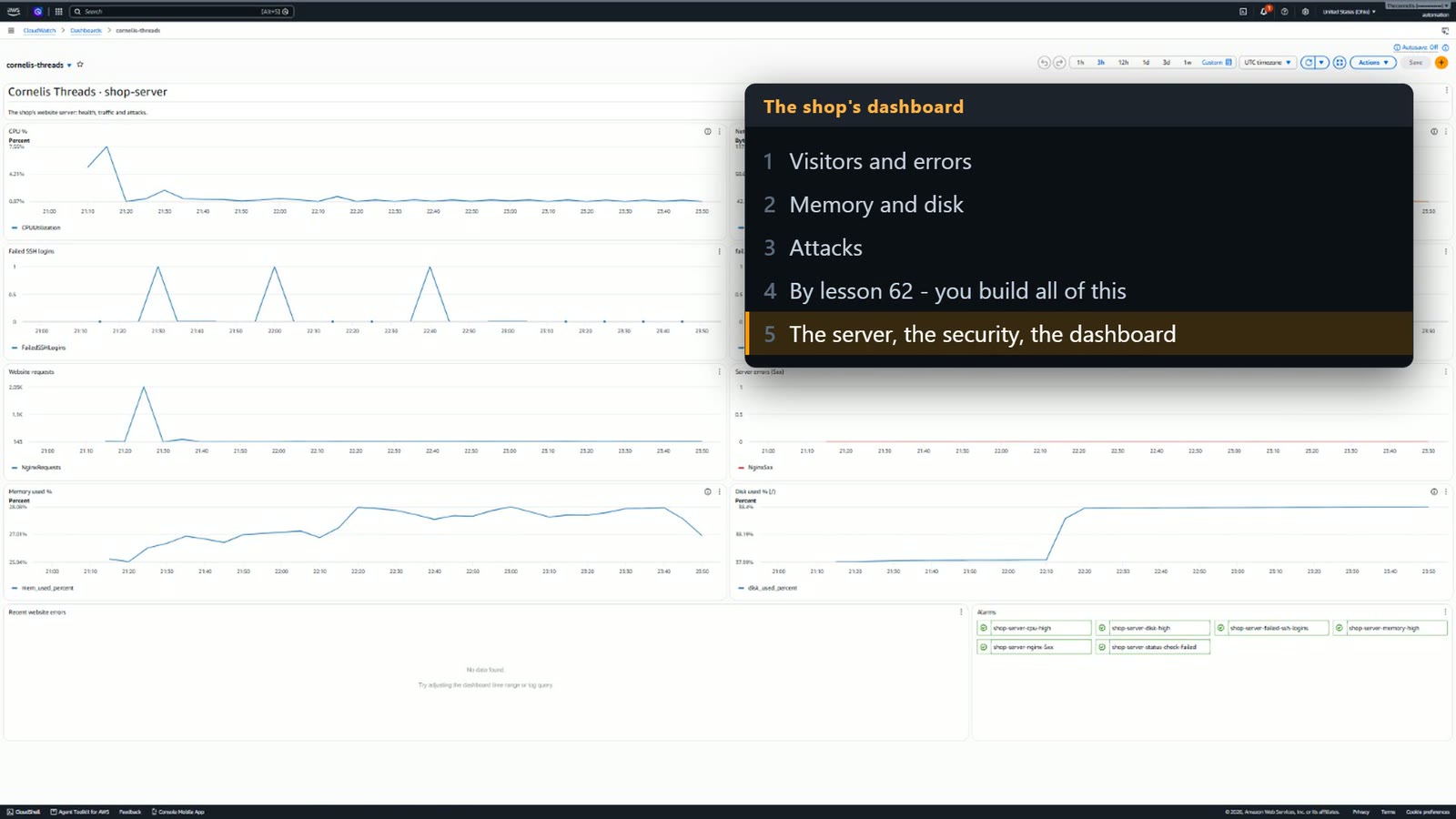
And this is the server's CloudWatch dashboard. By lesson 062 you'll build all of this yourself.
How to use this course
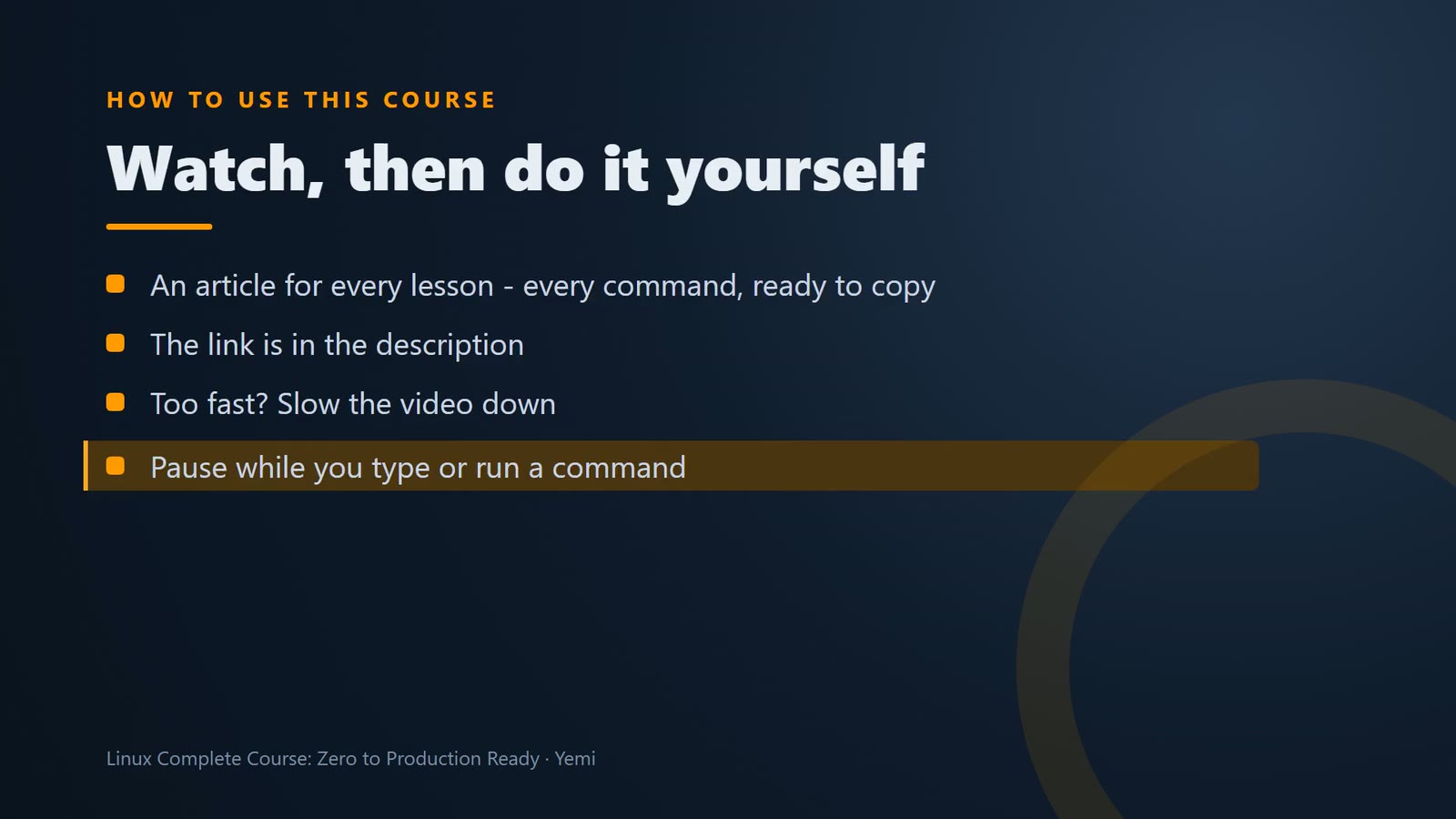
Every lesson comes with an article like this one, with every command ready to copy. And if the video goes too fast, slow it down, or pause it while you type or run a command.
Your new job
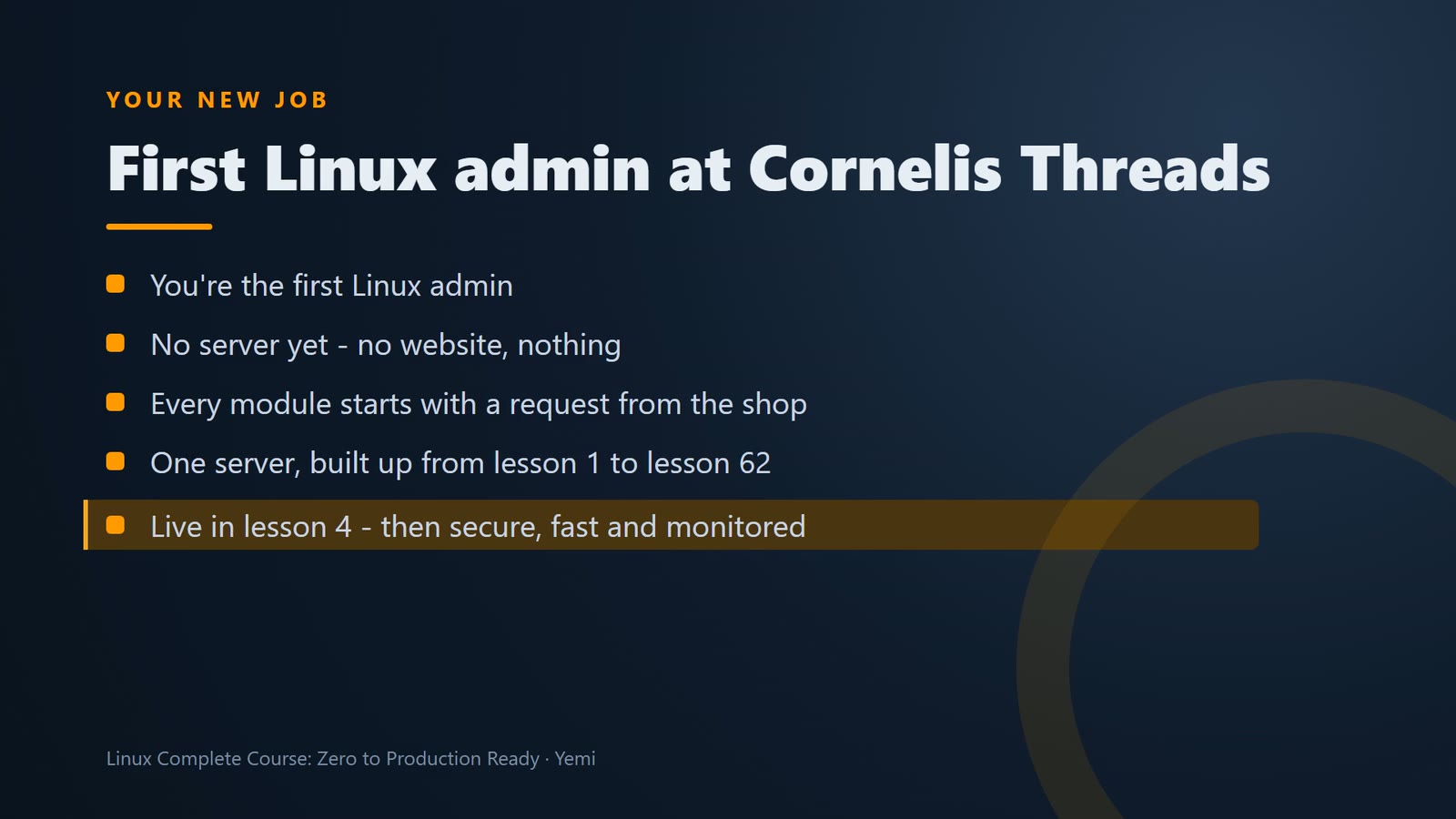
Here's the story of this course. You've just been hired as the first Linux admin at Cornelis Threads. There's no server yet, no website, nothing. Every module starts with a request from the shop, and every lesson builds on the same server, until it looks like what you just saw.
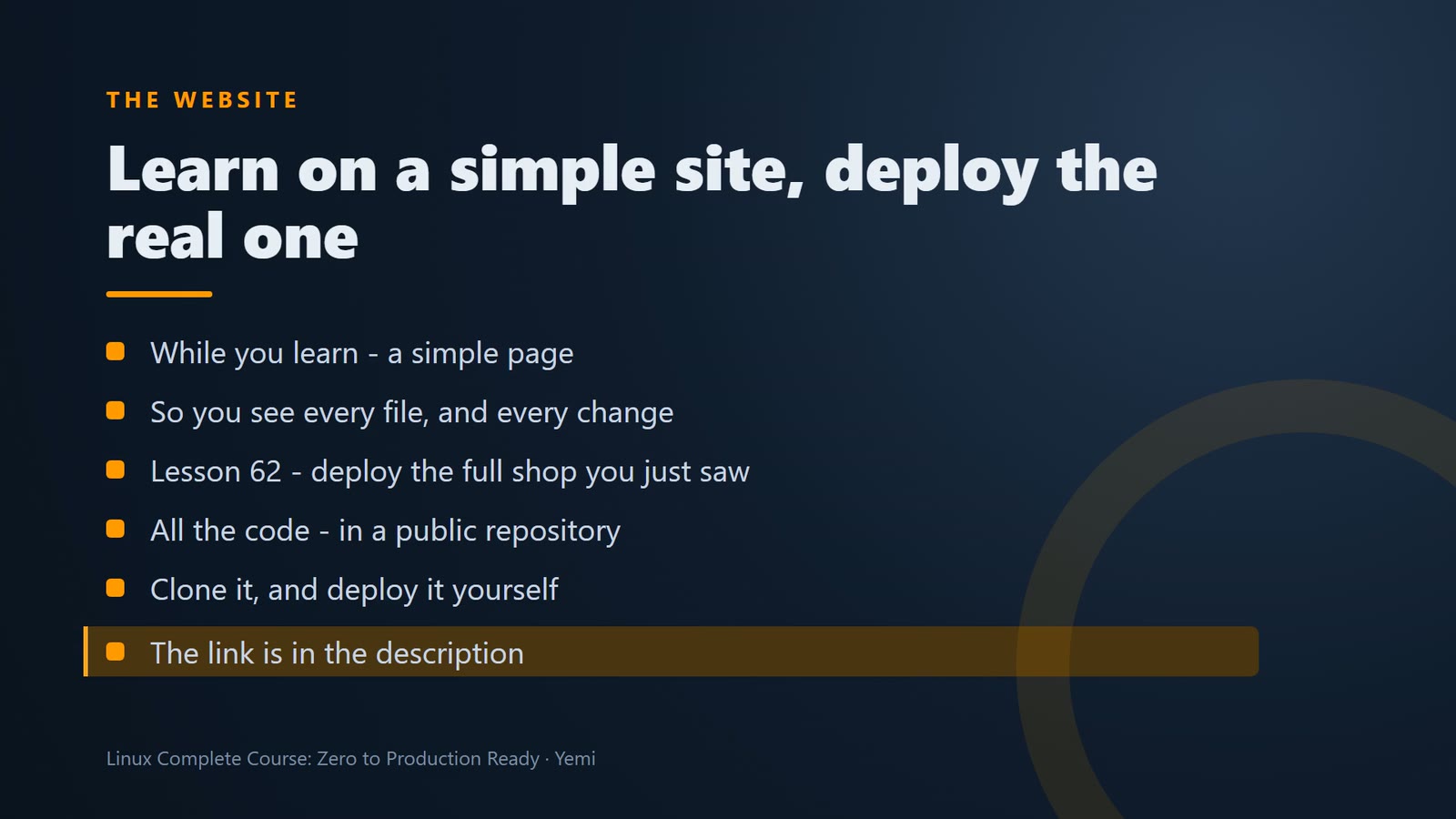
While you learn, you build a simple version of the shop's website, so you can see every file. In lesson 62, the capstone, you deploy the full shop. All the code in this course is in a public repository you can clone and deploy; the link is in the description.
What Linux is
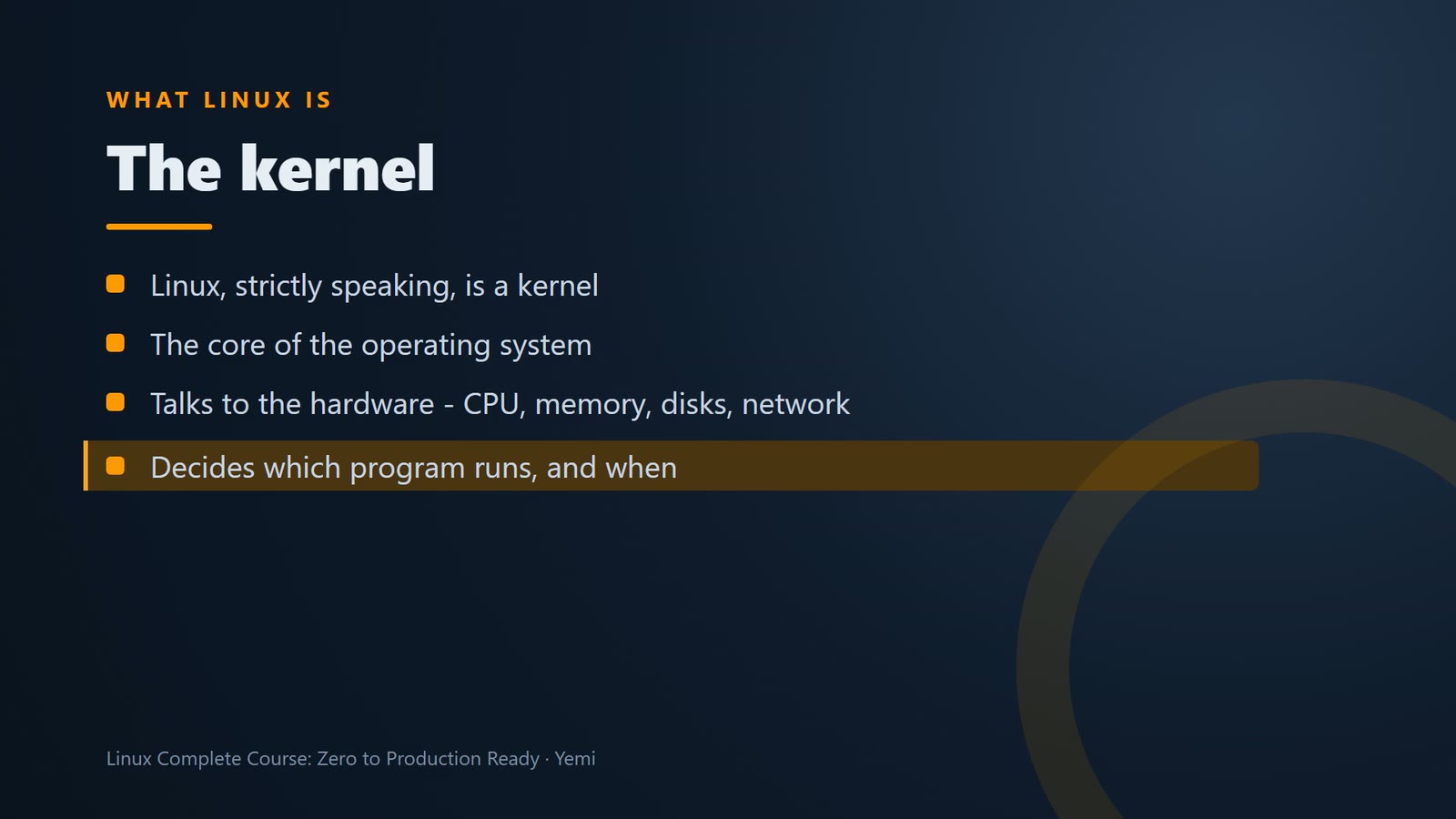
So, what is Linux? Strictly speaking, Linux is a kernel. The kernel is the core of the operating system. It talks to the hardware, the CPU, memory, disks, and network, and it decides which program gets to run, and when.
uname -r prints the version of the Linux kernel the server is running.
uname -r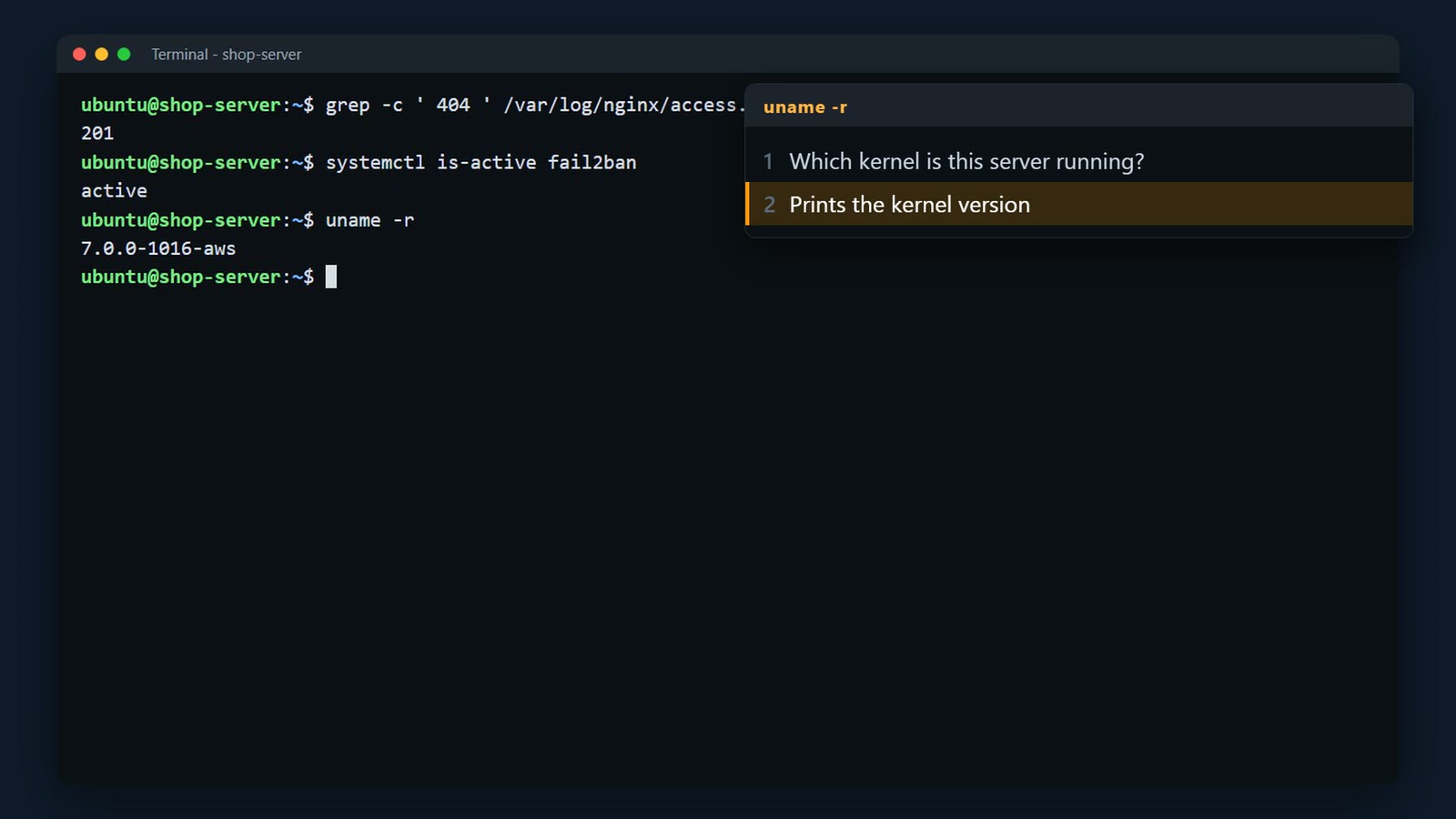
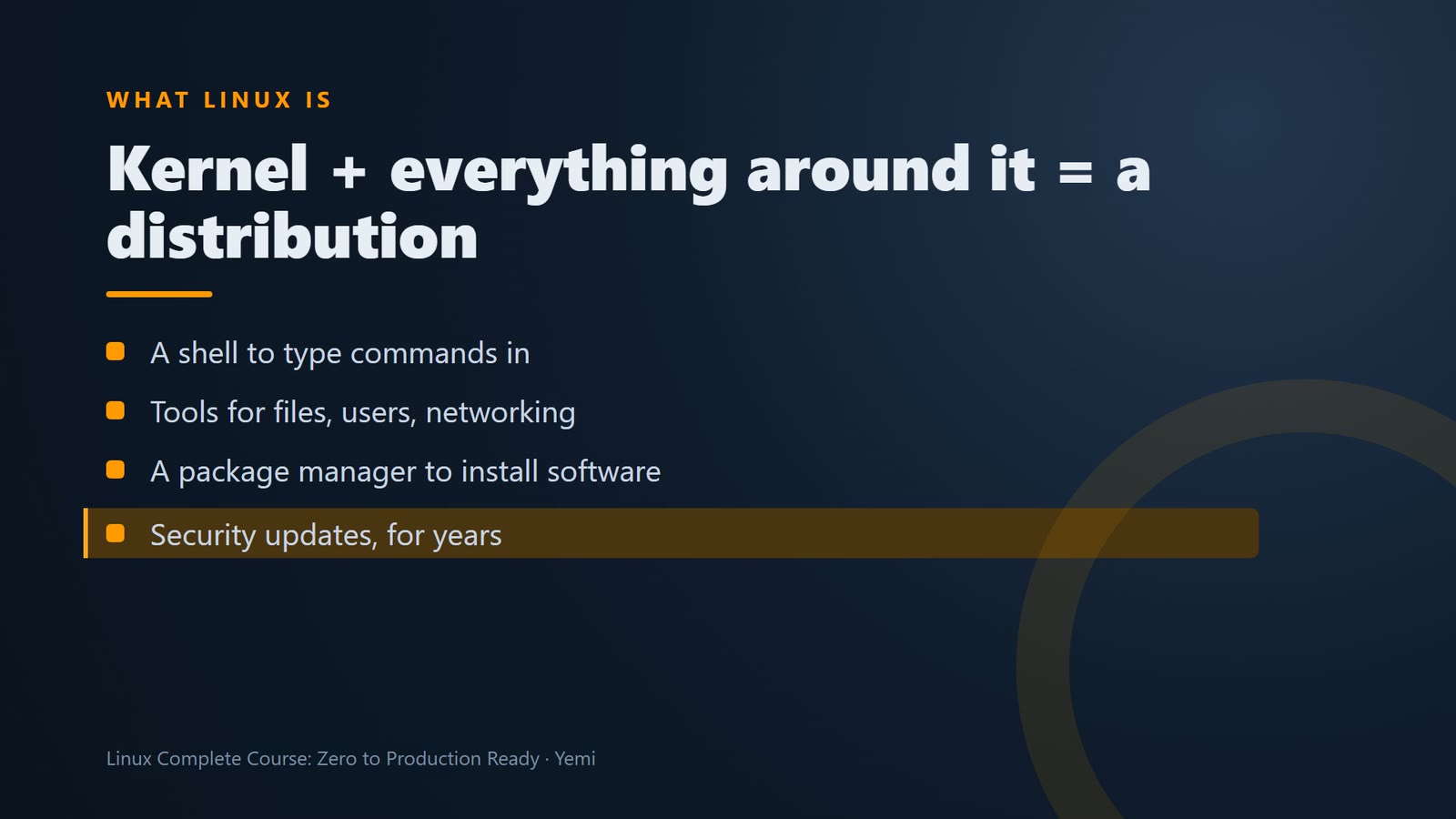
But a kernel on its own can't do much for you. Around it, you need a shell to type commands in, tools to copy files and manage users, a way to install software, and someone who keeps all of it updated and secure. That bundle is a distribution, or distro.
Distributions
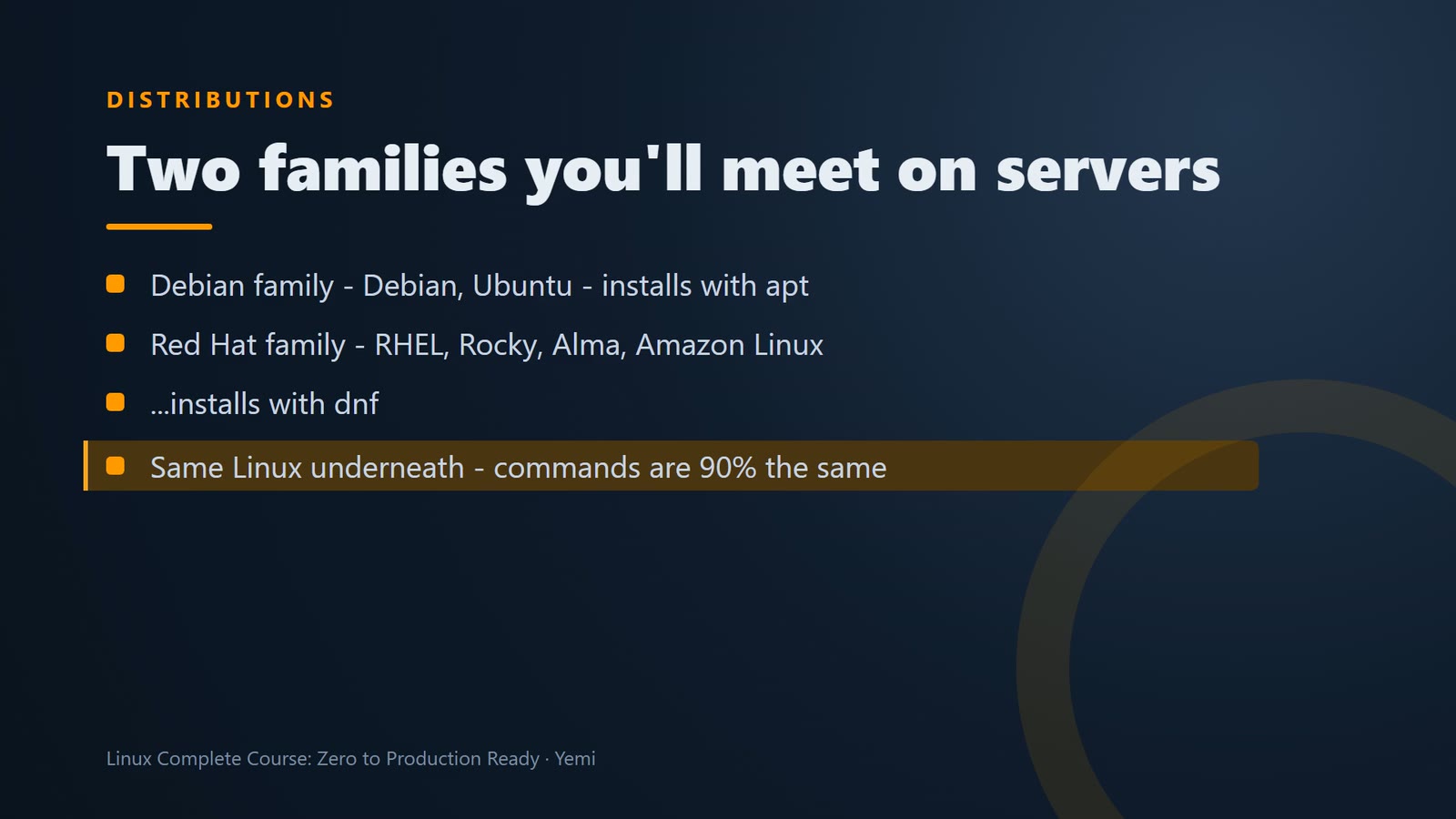
There are hundreds of distros, but on servers, you'll mostly meet two families. The Debian family, with Debian and Ubuntu, installs software with apt. The Red Hat family, with Red Hat Enterprise Linux, Rocky, Alma, and Amazon Linux, uses dnf. Once you know one family, the other is easy.
The file /etc/os-release says which distribution and version a server runs.
head -2 /etc/os-release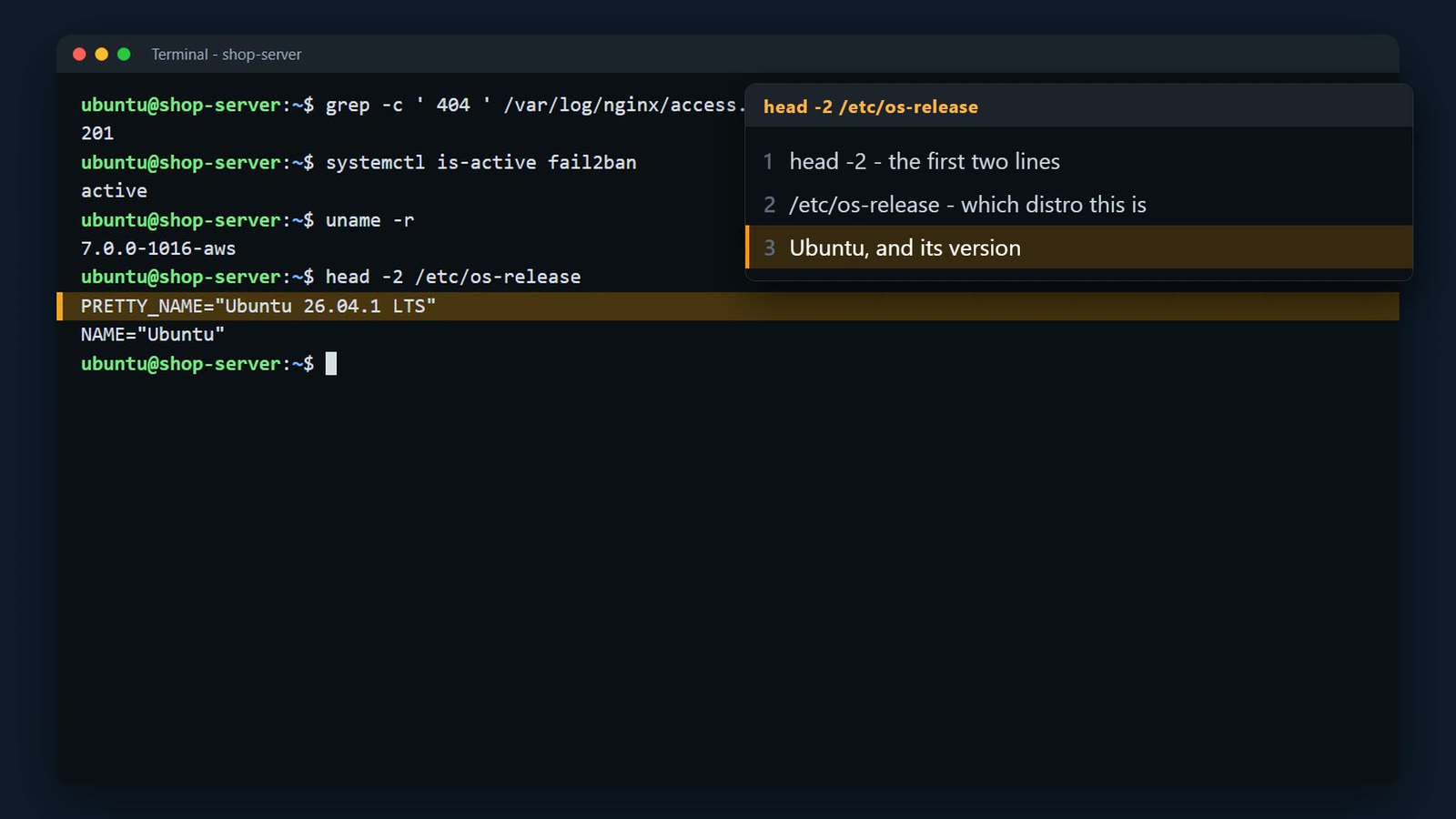
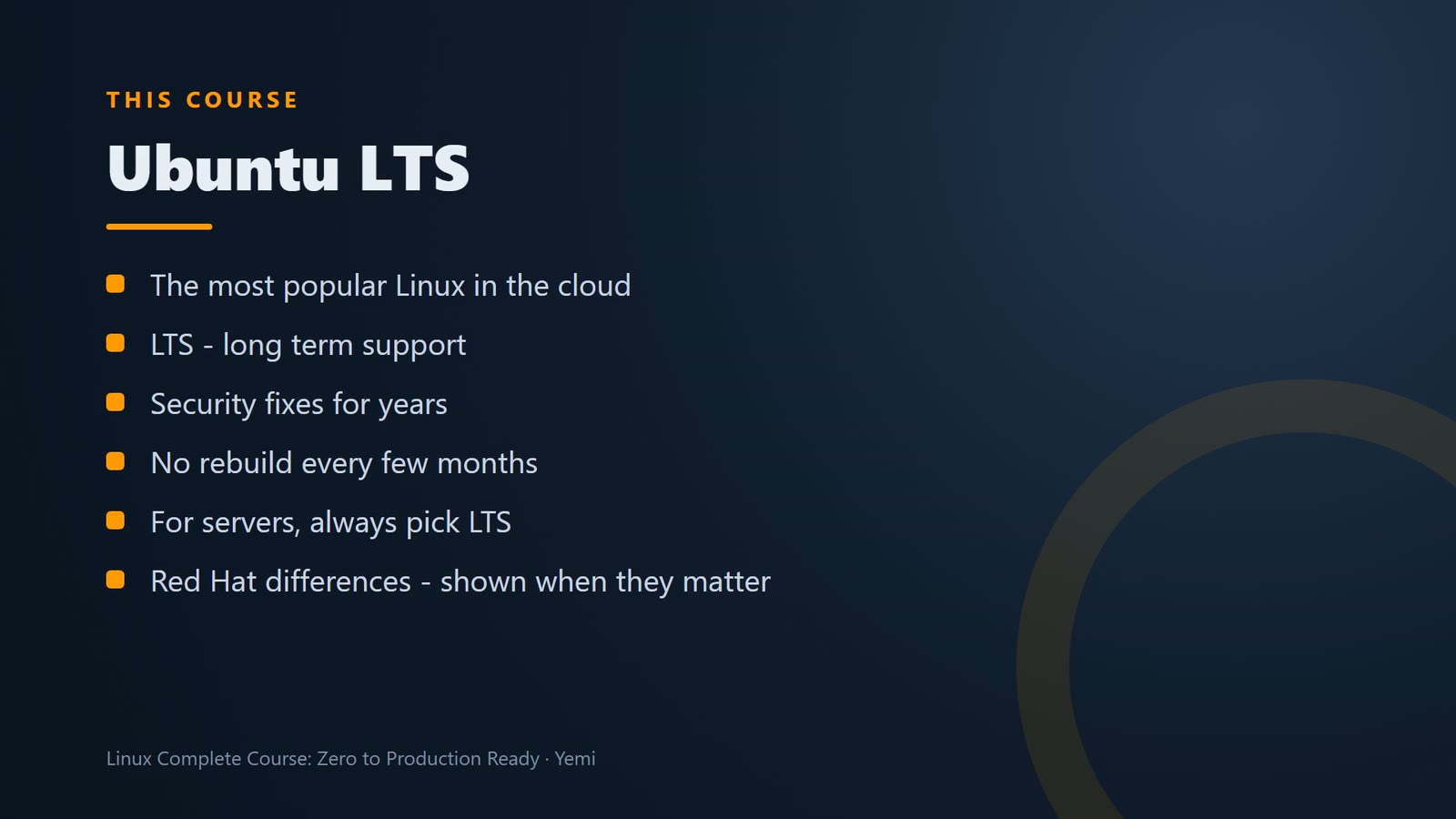
In this course, we use Ubuntu, the most popular Linux in the cloud. And we use its LTS version. LTS means long term support. Ubuntu keeps fixing security problems in an LTS release for years, so you don't have to rebuild your server every few months. For servers, always pick LTS. And when Red Hat family Linux does something differently, I'll show you.
Why servers run Linux
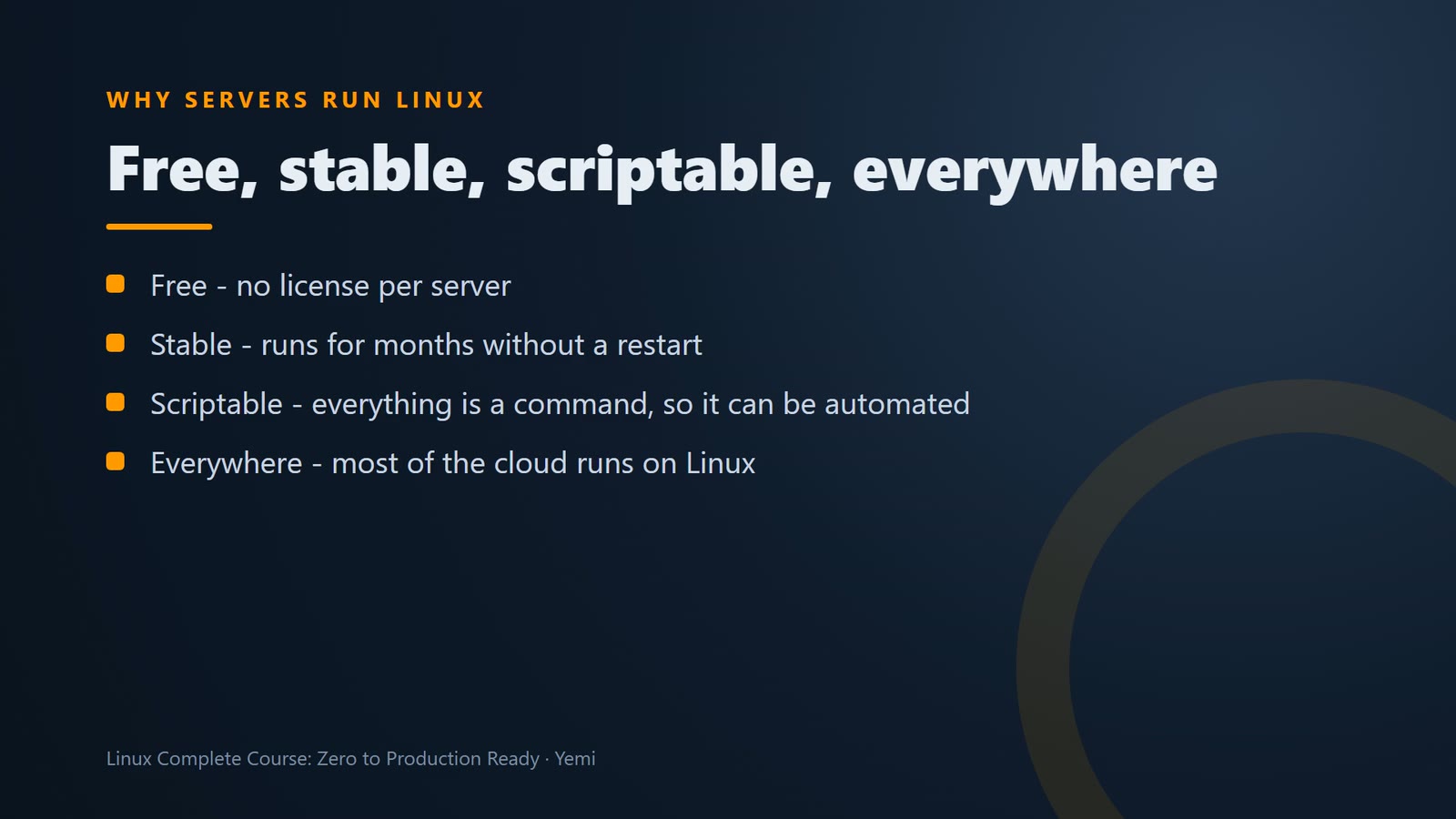
Why do servers run Linux? Four reasons. It's free, so you can run a thousand servers without a thousand licenses. It's stable, and servers run for months without a restart. Everything can be done by typing commands, so it's easy to automate. And it runs almost all of the cloud, including most servers on AWS. Learn Linux, and you can work on almost any server in the world.
And in the cloud, a server is a virtual machine. On AWS, it's called an EC2 instance. You don't see a screen, or a mouse. You connect over the network, and type commands. That's exactly how we'll run the shop's server, from your own laptop.
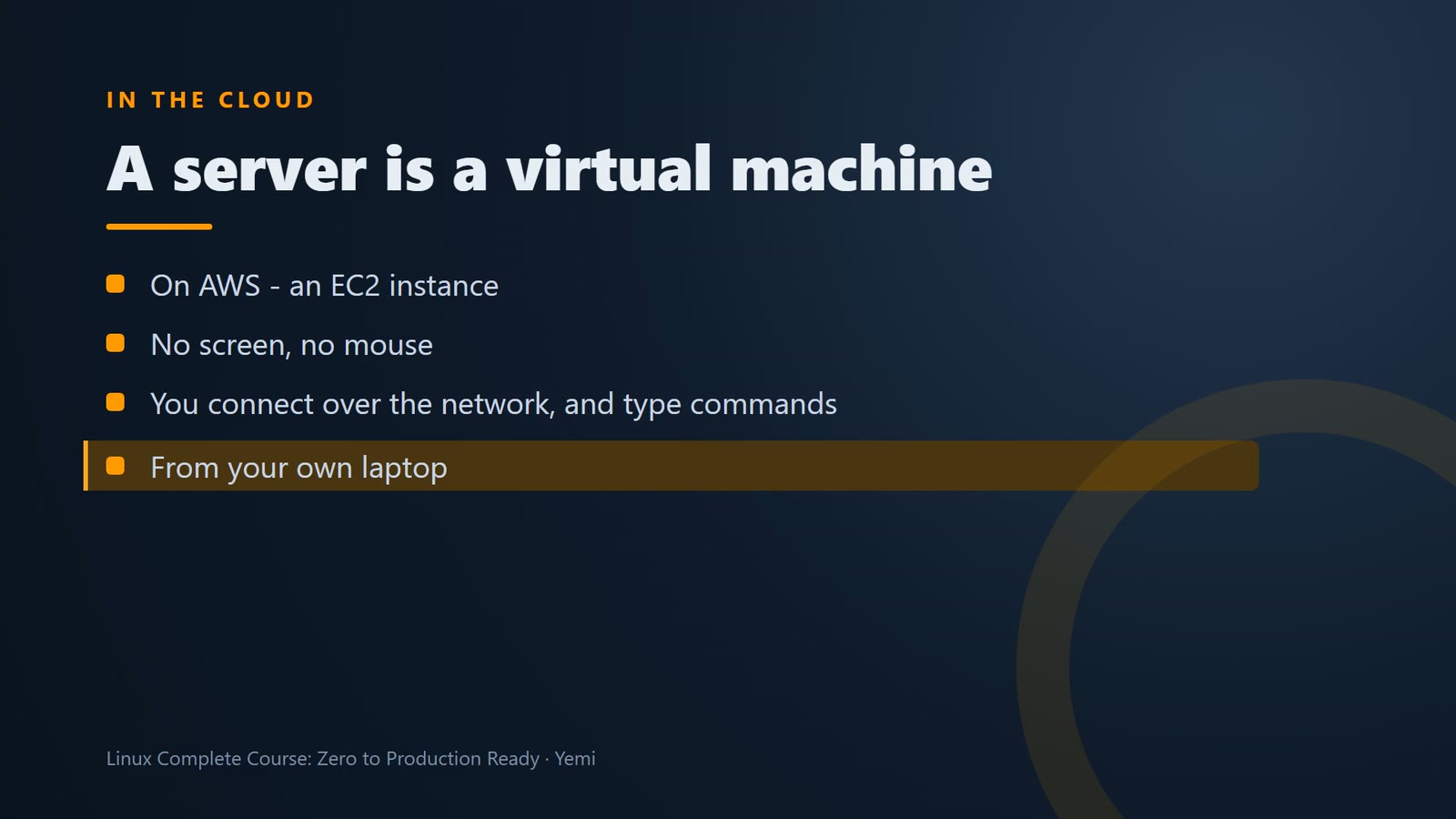
In the cloud, a server is a virtual machine – on AWS, an EC2 instance. No screen, no mouse; you connect over the network and type commands. uptime -p shows how long it has been running.
uptime -p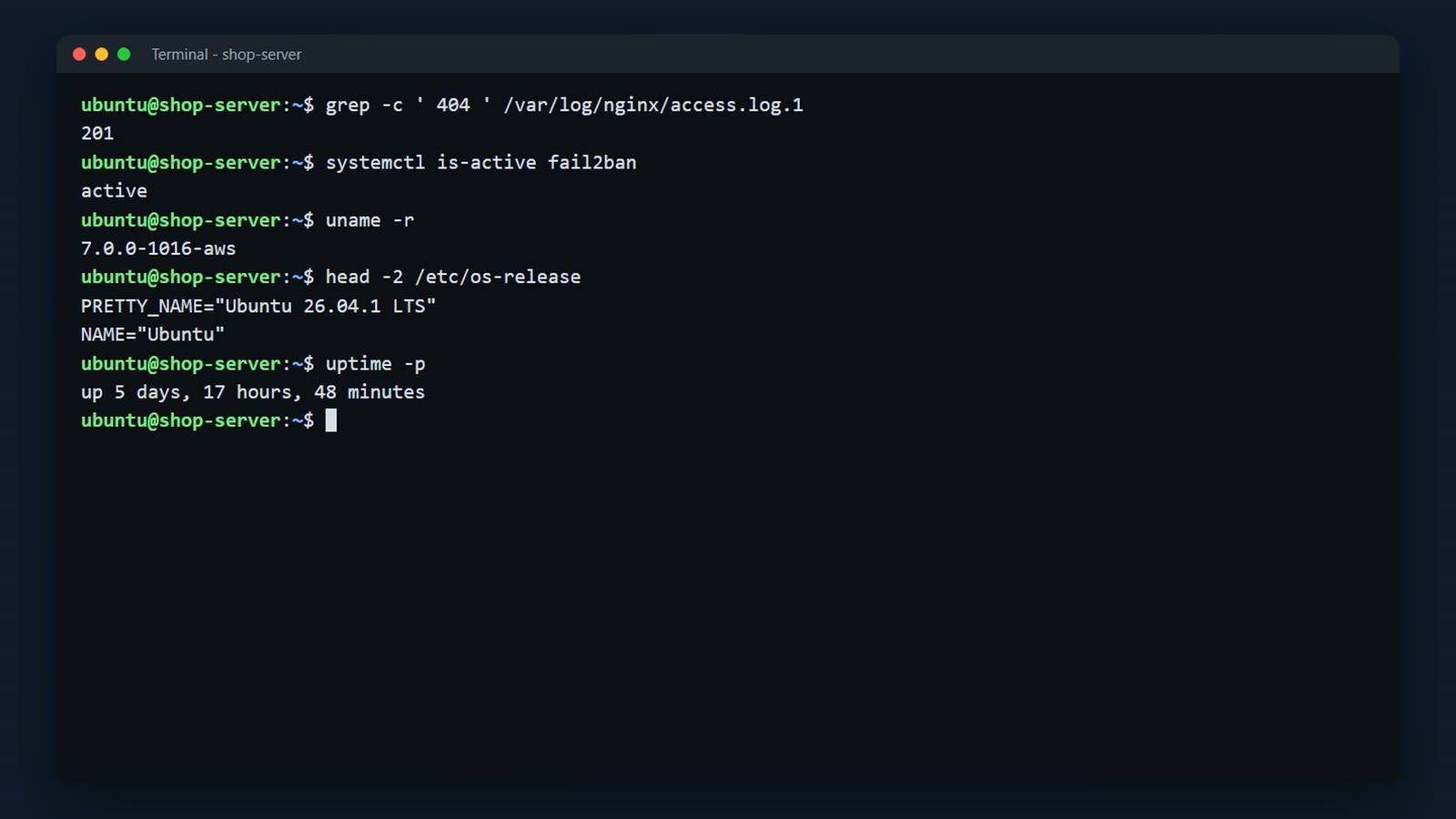
The course
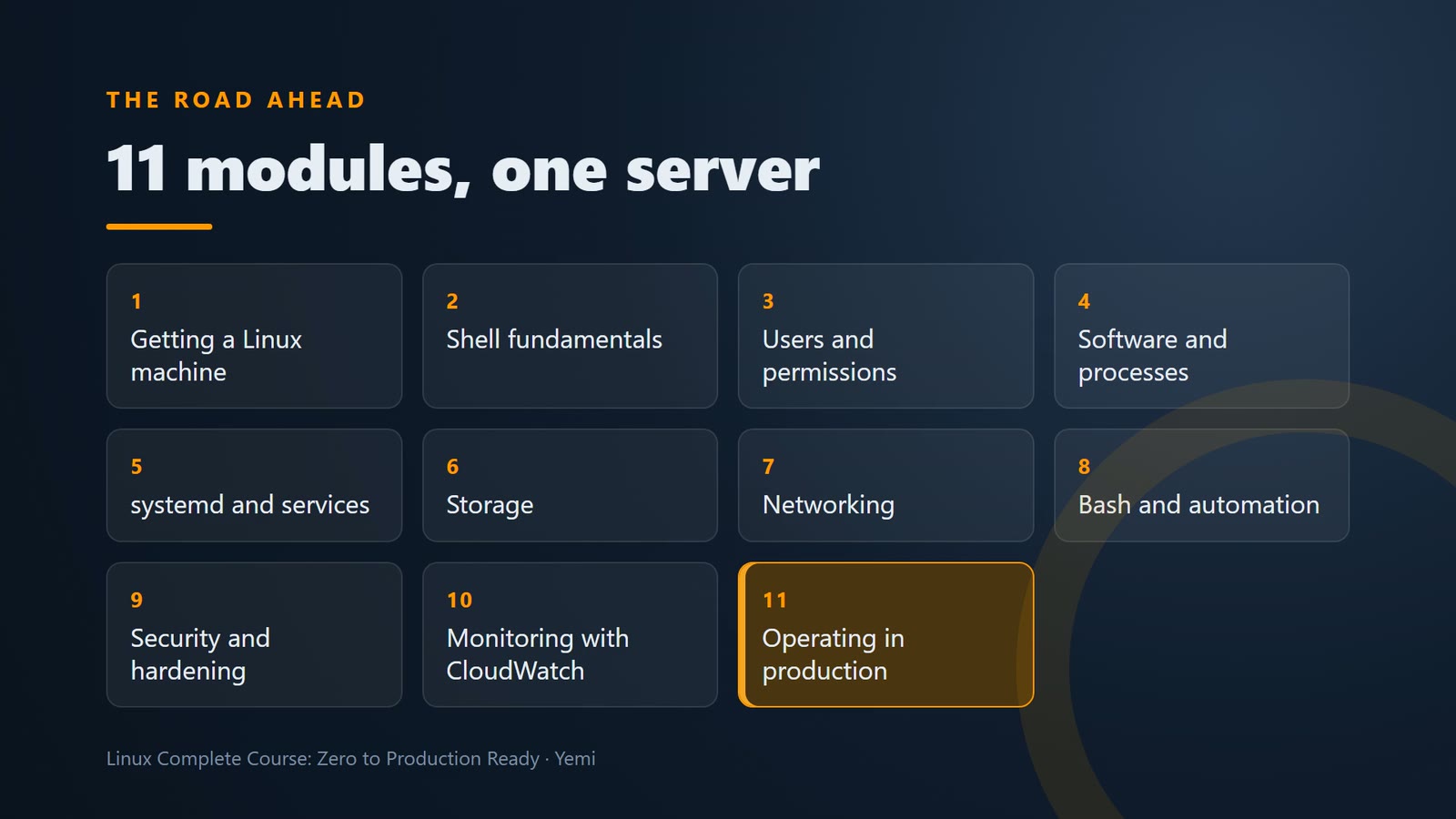
Here's the road ahead. Eleven modules. First, you get a Linux machine, and put a web page online. Then you learn the shell, users and permissions, software, services, storage, and networking. Then we automate it with scripts, harden it against attacks, and monitor it with a CloudWatch dashboard. And we finish by building the whole thing again, from scratch, as a capstone.
Every lesson ends with a short challenge, and a problem we solve in the next lesson. Type every command yourself, because your fingers learn faster than your eyes. You'll find all of them in the written guide for each lesson, ready to copy. And don't worry about breaking things. In the next lesson, we build a lab where breaking things is allowed.
Challenge
Here's your challenge: How many years of standard security updates does an Ubuntu LTS release get? If you're watching on YouTube or social media, drop your answer in the comments. If you're in the live class, put it in the chat. I'll show the answer at the start of the next lesson. And only post the command or the answer, never real IP addresses, account IDs, keys, or log output.
Summary
- Linux is a kernel; a distribution adds the tools, packages and updates around it
- Two big families – Debian/Ubuntu (apt) and Red Hat/Rocky/Alma/Amazon Linux (dnf)
- Servers run Linux because it's free, stable, scriptable and runs almost all of the cloud
- LTS releases get long-term security updates – pick LTS for servers
- This course uses Ubuntu LTS, and points out Red Hat differences when they matter
What’s next
To start, you need a Linux machine of your own, and one you're allowed to break. Next lesson, we set up a safe lab, with an undo button.